
Collect battle reports
Paste supported report codes or public report links from the current world.
Copy report codes, public report links or SOS requests from the game into the matching field.
Sample data. No sign-in needed.
Paste supported report codes or public report links from the current world.
Bring game overviews into the dedicated troop and building fields.
Import outgoing attacks and SOS requests for further analysis.
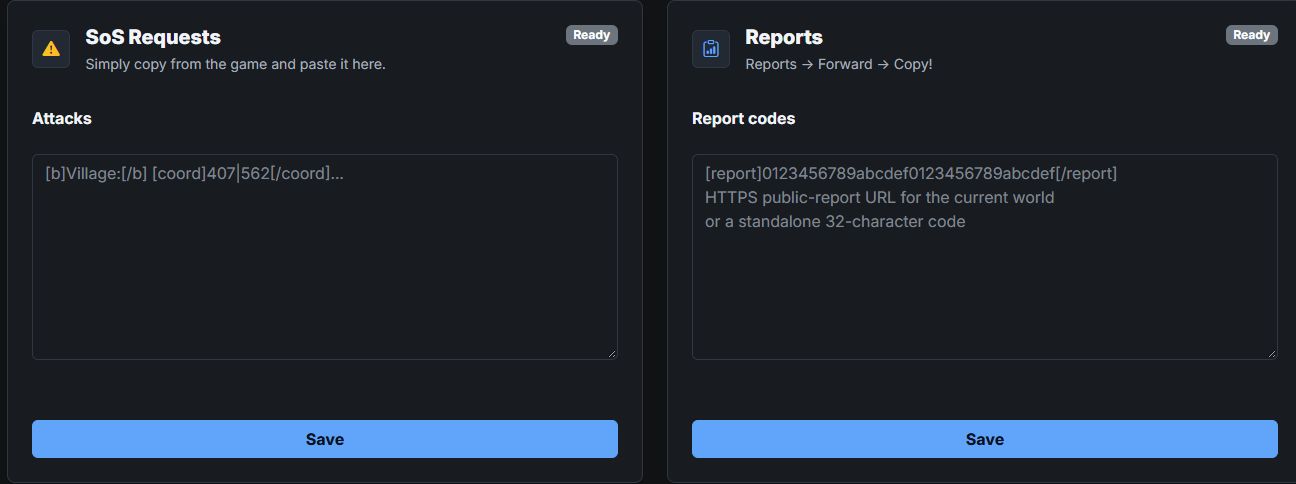
There are separate fields for SOS requests, reports, troops, buildings and outgoing attacks.
Report processing runs in the background. Check the report overview again after processing.
Sign in and find your game world. From there, you can set up a database or ask to join your tribe’s.