
Organise sources and targets
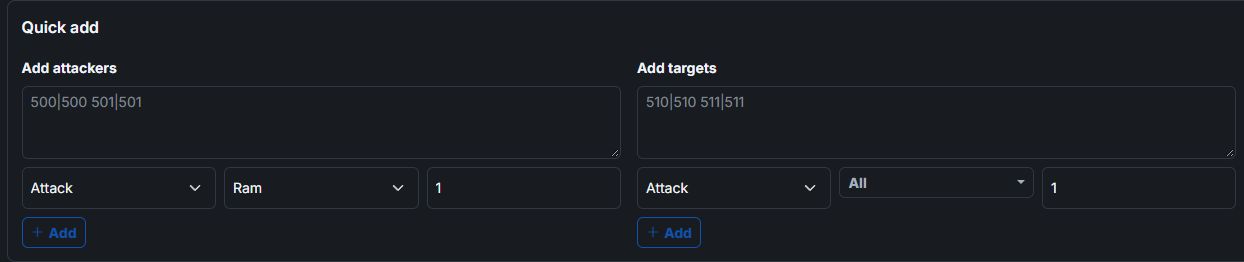
Collect attacker and target coordinates and distinguish attacks, fakes and other command types.
From targets to a shared plan
The attack planner brings attackers, target villages and time windows together. Choose command types and units, then prepare an output you can share with your tribe. The outgoing attack overview complements planning with commands already imported into the database.
Collect attacker and target coordinates and distinguish attacks, fakes and other command types.
Save attack plans in the database, load them later and manage several plans for different operations.
Import Workbench plans, share plans with individual attackers by link and use BB-Code or DS-Ultimate output to coordinate your tribe.
The planner helps with preparation and coordination. You must carry out game commands yourself in the game.
The outgoing attack view lets you filter imported commands by type, coordinates, arrival and other criteria.
You can import Workbench plans and use the available output formats. The DS-Ultimate integration can transfer plans including their intended troops.
Register, choose your game world and create a tribe database or request access to an existing one.